


Table of Contents
AI room design app solutions are transforming how anyone can visualize, redecorate, or stage a space in minutes—no design experience required.
Key Takeaways
- AI room design apps deliver fast, photorealistic makeovers, but most free plans have usability or accuracy limits.
- Key weaknesses include watermarks, limited control, and inconsistent furniture realism compared to human designers.
- Some new tools, like InstantInterior AI, offer truly free, high-quality renders—ideal for testing setups risk-free.
What Is an AI Room Design App and Why Should You Care?
AI room design apps let everyday users generate detailed, lifelike images of redesigned rooms using AI models. Unlike traditional 3D modeling or in-person consultations, AI design platforms rely on photo uploads, simple prompts, and preset styles. With tools like VisualizeAI, RoomsGPT, and InstantInterior AI, you can instantly preview new layouts, color schemes, and furniture—no technical skills required.
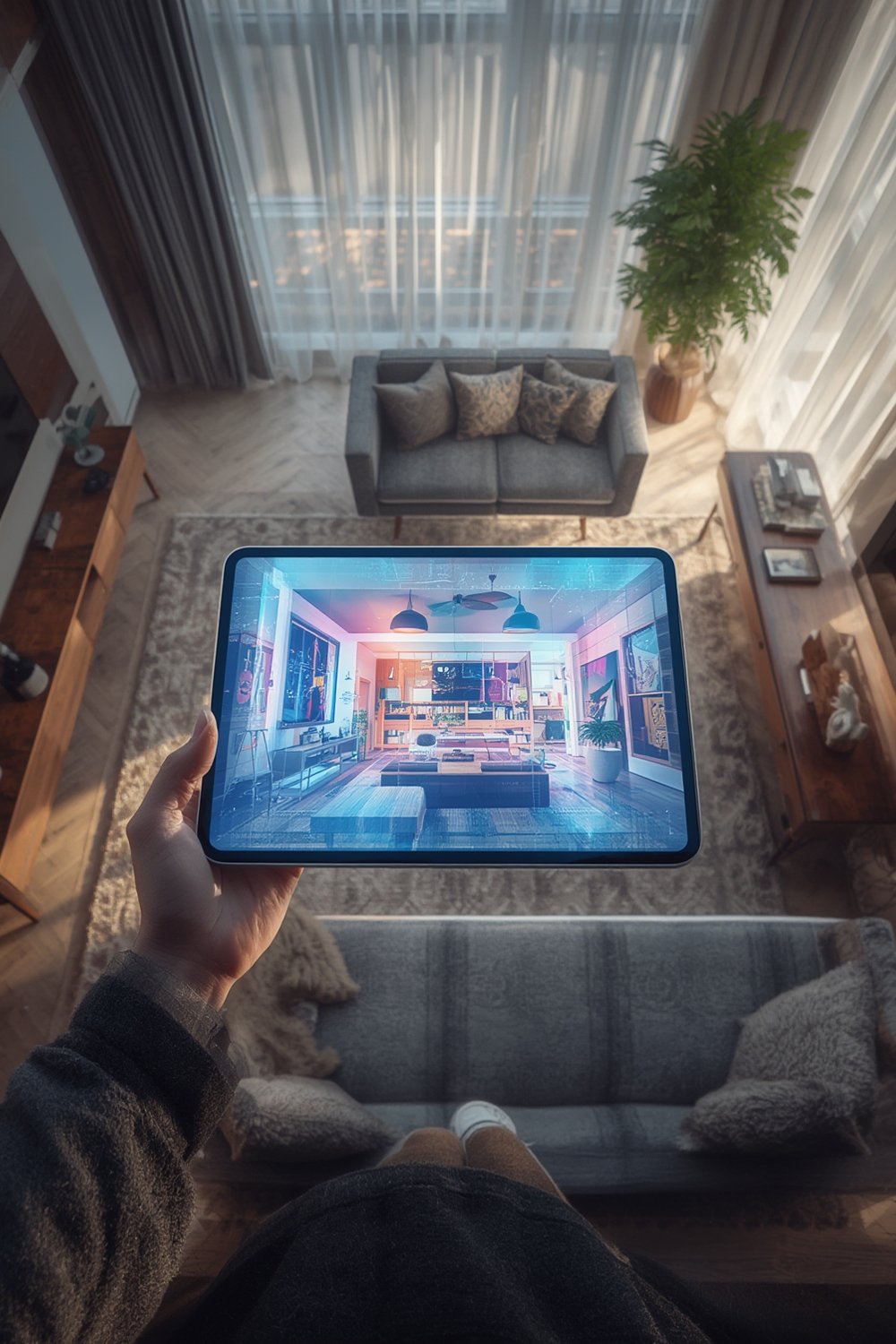
Why does this matter? You get a nearly instant, budget-friendly way to test new looks, stage homes for real estate, or visualize how a renovation might turn out—which was previously time-consuming and reserved for professionals. As AI tools become more advanced, their output (lighting, realism, customization) is rivaling pro renderings in seconds.
For a deeper understanding of how these AI-powered solutions are different from manual planning and digital 3D room designers, you can check out our room design ideas guide and best home design apps breakdown.
How to Use an AI Room Design App: Step-by-Step
Ready to generate a virtual makeover for any room? Here’s a realistic step-by-step process to get you started:
- Choose an AI room design platform. Start with free versions of apps like InstantInterior AI, VisualizeAI, RoomsGPT, or HomeVisualizer.ai. Each has its own strengths—test 2-3 for the best fit.
- Upload your room photo. Clear out major clutter, stand back, and shoot a landscape photo. Some tools support hand-drawn sketches or empty floor plans too (source).
- Select your desired room type and style. Options range from “Minimalist Living Room” to “Modern Office” or “Rustic Bedroom.” Advanced apps even let you enter custom prompts or specify preferred colors/materials.
- Adjust depth/creativity sliders (if available). Tools like VisualizeAI or HomeVisualizer.ai let you control how dramatic or subtle the AI changes are—useful for quick tests vs. full-room overhauls.
- Generate your room design. Most platforms create a new image in under a minute.
- Review and tweak. Free plans may let you “regenerate” for a new look or edit colors/furniture in certain apps, like Spacely or VisualizeAI. Save full-res images if watermark-free (InstantInterior AI is watermark-free).
- For more advanced projects (like real estate staging or full remodels), repeat the process for multi-room views then assemble them into presentations for clients or contractors. See our virtual staging vs real staging article for pro tips.

Not all apps allow the same depth—InstantInterior AI gives free high-res, watermark-free results, while most brands add logos or reduce image quality for non-premium users (source). Always check the fine print. For tips on furniture selection, visit our modern living room furniture picks.
Want to get creative with color or style prompts? Use natural language prompts detailing not just “Scandinavian style sofa” but also preferred fabric colors, wall tones, or floor style. Editing object color directly is only offered in a handful of advanced apps such as Spacely.
Looking for layout changes or AR/3D views? Free plans generally don’t support these features (see the next section for limits).
Advanced Insights and Common Pitfalls of AI Room Design Apps
AI room design apps have unlocked rapid, user-friendly makeovers, but shortfalls still frustrate many users. Here’s a candid breakdown:
| App | Free Customization & Editing | Usability (UI/UX) | Watermark-Free? | Realism (Furniture/Lighting) | Notable Limitations |
|---|---|---|---|---|---|
| VisualizeAI | High (prompt, slider, style) | High | No (free includes watermark) | Realistic, varied | No AR, lower floor planning |
| RoomsGPT | Medium (styles, types) | Very High | No (logo on free renders) | Moderate, instant | No 3D/AR, basic accuracy |
| InstantInterior AI | High (photorealistic, no limits) | Very High | Yes | Excellent (lighting, shadows) | No brand furniture, no AR |
| Spacely | High (edits, remove objects) | Medium | No (watermarked free) | Strong edits, realism varies | Slow, not always intuitive |
| REimagineHome | Low | High | No | Natural but limited style | No creative control |
Common pitfalls you should expect:
- Watermarks and Image Quality: Most free AI room design apps add a visible logo or reduce output resolution (proof).
- Lack of Fine-Tune Customization: You often get only pre-set styles—changing furniture models, wall colors, or object locations is locked behind paid plans.
- Limited Floor Planning or 3D Tools: No free app currently allows creating custom floor plans, AR viewing, or interactive 3D walkthroughs (source).
- Unnatural Furniture Placement: AI sometimes ignores windows, doors, or misjudges spatial relationships, leading to floating or weirdly sized furniture. This is a top complaint across platforms.
- No Access to Real Brand Catalogs: Even the best free AI room design apps use only generic furnishings—fine for inspiration but unsuitable for shopping or real-world replicating.
- Speed and Interface Frustrations: Some apps lag at busy times, have confusing menus, or offer poor accessibility (e.g., small buttons, light text).
Are AI results as accurate as a designer? Rapid improvements in 2025 and 2026 mean photorealism (lighting, shadow) is often great, but subtle issues—like scale and architecture preservation—mean professional designers still have the edge for complex rooms or ambitious remodels.
If sustainability or accessibility matter, note that almost no top app integrates eco-conscious furniture suggestions or voice guidance for seniors—these are future trends that few vendors address.
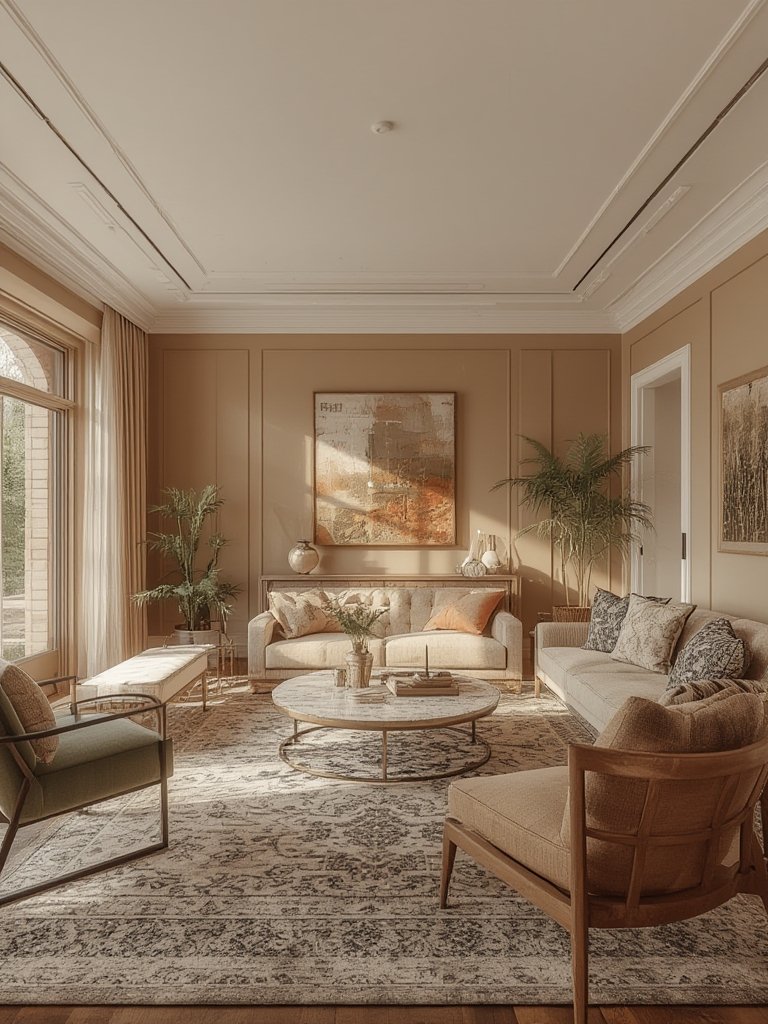
Curious about virtual staging’s impact on real estate or the latest eco AI furniture trends? Learn more in our articles on virtual staging apps and eco-friendly interior design solutions.
Conclusion
AI room design app technology pushes room makeovers from days or weeks to minutes. While free AI platforms offer fast, photorealistic inspiration, they fall short in fine control, commercial brand catalogs, or spatial precision. InstantInterior AI currently stands out for free, watermark-free renders; VisualizeAI and Spacely shine for depth, but expect some feature paywalls or realism quirks.
Ready to try it for yourself? Choose a leading AI room design app, upload your best room photo, and let AI spark your creativity—then use our other guides for expert-level planning or to transition from inspiration to execution. Start reimagining your space today.
Frequently Asked Questions
What is the best free AI room design app in 2026?
InstantInterior AI is rated as the top free solution thanks to watermark-free, high-resolution image outputs and unlimited renders without requiring payment info. VisualGPT also ranks high for no-cost usage.
Can AI room design apps replace professional interior designers?
No. While AI generates instant and realistic room images, designers still outperform for spatial accuracy, custom floor plans, tailored furniture sourcing, and complex renovations. Use AI for brainstorming and rapid inspiration, then consult designers for major projects.
Are the results realistic enough for real estate staging?
Yes, especially for virtual staging of empty rooms or quick marketing shots—AI outputs look photorealistic. But be aware of the limitations: generic furniture, occasional spatial glitches, and lack of branded products. For full-service solutions, see our article on virtual staging apps.
What features are usually missing in free AI room design apps?
Free versions generally lack full floor planning, 3D/AR visualization, access to real furniture brands, and precise object manipulation. Only a few deliver high-res, watermark-free images.
How much does it cost to upgrade to premium features?
Pricing varies: InstantInterior AI charges around $0.27 per render while competitors may ask for $2.67 or more per premium export. Some apps offer monthly unlimited plans, but always read recent reviews for the latest pricing.